LinkedIn is where B2B buyers actually are, which is why nearly every team runs lead gen there — and why so many get mediocre results. The usual failure isn't a sourcing problem. Teams are good at finding people. They're bad at qualifying them, so reps end up working long, unranked lists and spending their best hours on accounts that were never a fit.
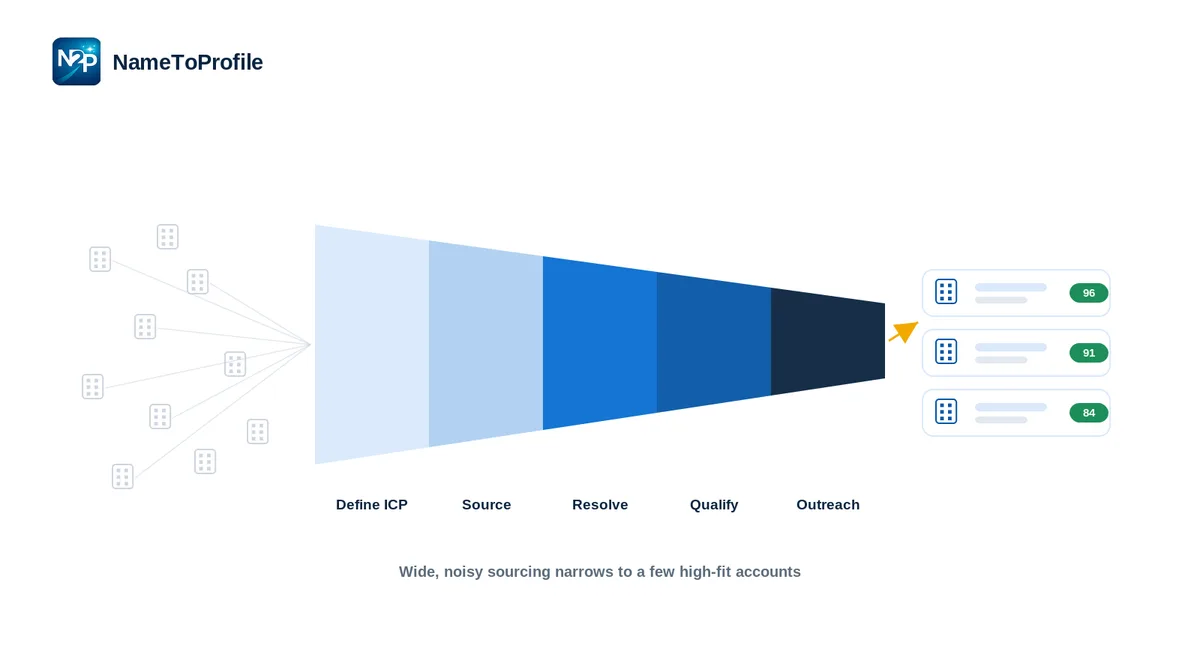
This playbook treats LinkedIn lead generation as a funnel with five stages. Get the order right and the volume takes care of itself.
Stage 1 — Define the ICP (the filter for everything)
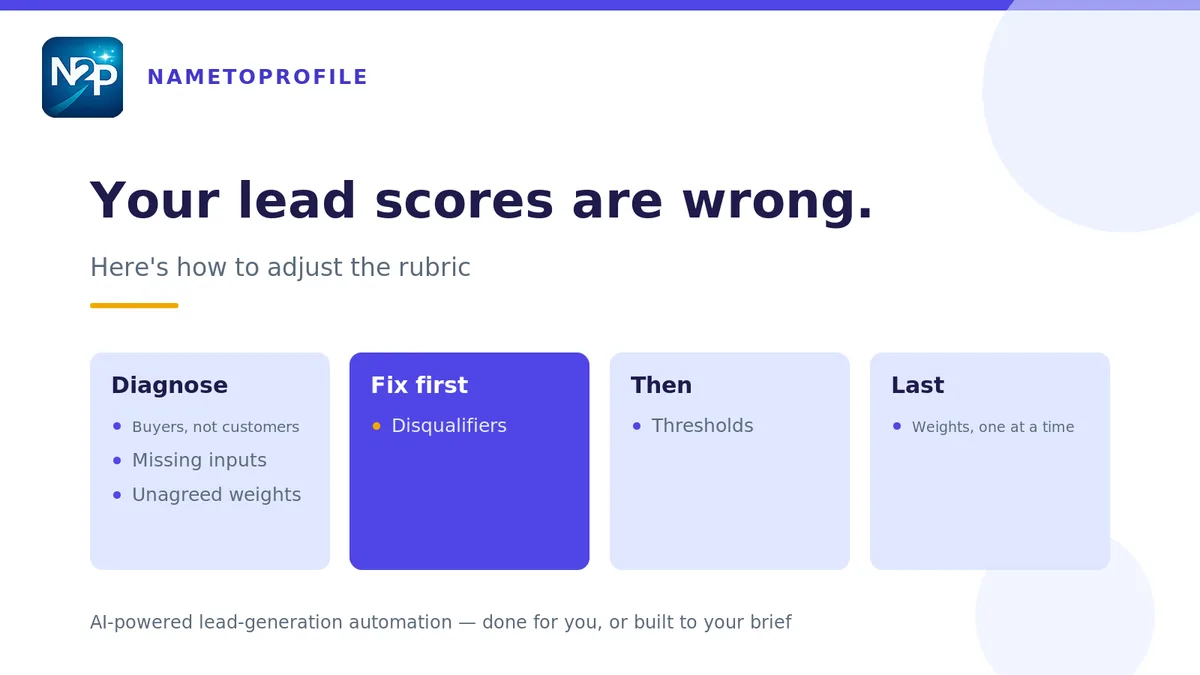
Before any sourcing, write down what a good-fit account looks like: industries, company size, geography, the buyer's role and seniority, your buying triggers, and — just as important — your disqualifiers. This becomes the filter every later stage runs against. If you skip it, you'll generate activity instead of pipeline. Capture it once as an ICP brief so the whole team prospects from one definition.
Stage 2 — Source from more than one channel
Strong pipelines blend sourcing channels rather than leaning on one:
- Sales Navigator search — the workhorse for targeted, filter-driven sourcing. (See our Sales Navigator workflow guide for the mechanics.)
- Organic engagement — people who comment on your posts, view your profile, or engage with your content are warm and already in motion.
- Existing lists — event attendees, webinar sign-ups, and partner lists you can match back to LinkedIn.
Each channel has a trade-off: Sales Navigator gives precision but needs cleanup; organic gives warmth but less volume; lists give scale but variable fit. Run them together and feed everything into the same qualification step.
Stage 3 — Qualify and score (where most teams lose)
This is the stage that separates a list from a pipeline. Instead of working names top-to-bottom, score each one against your ICP brief:
- Fast scoring — deterministic and instant, to triage the entire list and remove disqualifiers in one pass.
- Deep scoring — an LLM second opinion with rationale and a recommended action on your shortlist.
The result is a ranked list where reps start with the highest-fit accounts. If you're sourcing from Sales Navigator, you'll also need to resolve those private lead links into public profile URLs first — clean URLs are what make scoring, enrichment, and CRM hand-off possible. (More on building usable lists in LinkedIn lead list building with verified URLs.)
Stage 4 — Prepare outreach that earns a reply
Qualified leads deserve prepared outreach, not a template blast. Pull the structured profile and company data, add the scoring rationale (why this account is a fit), and reference something real in the first line. Where it helps, draft messages or comments in your voice — but keep everything as text you review and send yourself. Personalization at the qualify-then-prepare stage is what lifts reply rates; enrichment fills the gaps that make that personalization possible.
Stage 5 — Measure the right things
Vanity metrics (connections sent, lists built) hide whether the funnel works. Track instead:
- Fit rate — share of sourced leads that pass ICP scoring.
- Reply and positive-reply rate — is your prepared outreach landing?
- Meeting conversion — the metric the whole funnel exists to move.
When fit rate is low, fix sourcing or the ICP. When reply rate is low, fix outreach prep. The funnel tells you where to look.
Common pitfalls
- Optimizing for volume. A big unqualified list feels productive and converts poorly.
- Skipping qualification. Unranked lists waste your best selling hours.
- Generic outreach. Personalization is cheap once leads are scored and enriched — skipping it is the expensive choice.
- No feedback loop. Without funnel metrics you can't tell whether to fix sourcing, scoring, or messaging.
The takeaway
B2B lead generation on LinkedIn is a five-stage funnel: define the ICP, source across channels, qualify by scoring, prepare personalized outreach, and measure fit-to-meeting. The teams that win don't source more — they qualify better, so every hour of outreach goes to an account worth winning.
You can run the resolve-and-score steps free — start with 100 credits, no card, no subscription. One ICP brief powers the whole workflow.