Candidate sourcing is the part of recruiting that quietly eats the most hours: opening profile after profile, copying names and titles into a spreadsheet, guessing who's actually worth a conversation, and starting over for the next role. The work is necessary, but most of it isn't judgment — it's manual data handling that a repeatable workflow can absorb.
This guide lays out a sourcing workflow that turns scattered public profiles into a ranked shortlist you can hand to a hiring manager with confidence. It's platform-broad by design: it works from the public web sources and databases you already use, not one closed platform, and it keeps you in control at every step — nothing is sent, messaged, or acted on for you.
The shape of a good sourcing workflow
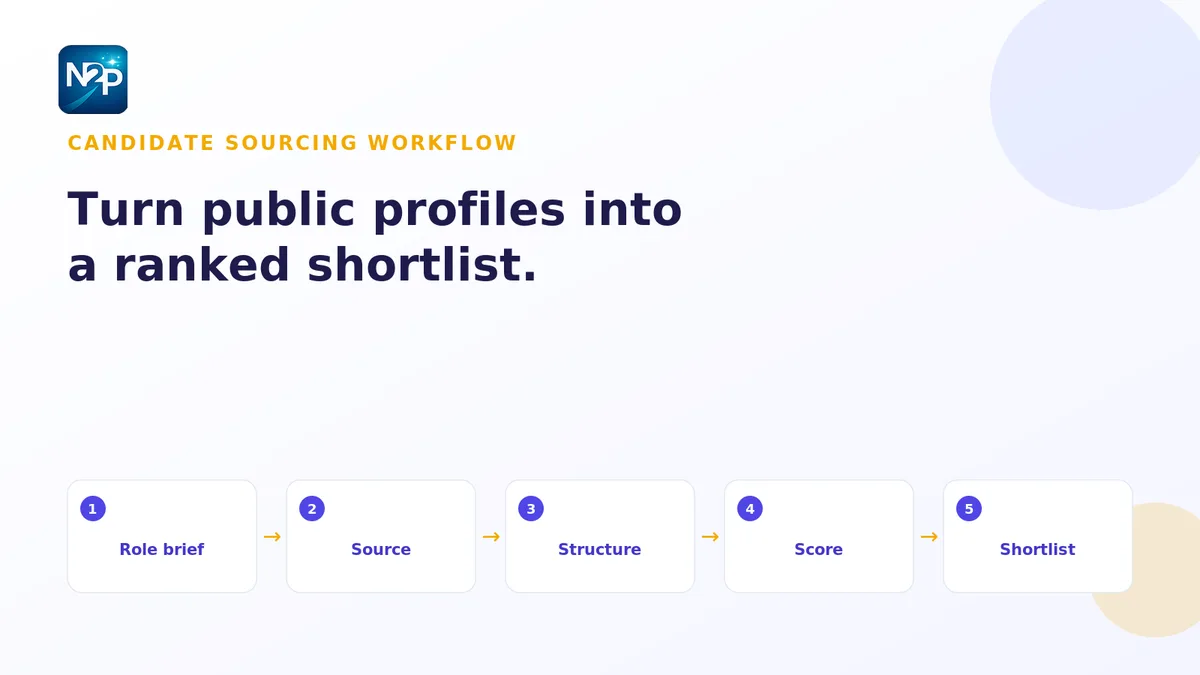
The recruiters who source fastest aren't opening more tabs — they've turned sourcing into a pipeline with clear stages: define the role, source candidates, structure the data, score fit, and hand off. Each stage feeds the next, so nothing is redone. Here's how to run it.
1. Turn the role into a written brief
A req in someone's inbox isn't a sourcing spec. Before you look at a single candidate, translate the role into a structured brief: must-have skills and seniority, target functions and industries, geographies, and the disqualifiers that quietly waste the most time (wrong seniority, wrong domain, wrong location). Treating the role brief as your reusable sourcing spec means every candidate gets judged against the same written standard instead of a shifting mental picture — and you can reuse it the next time the same role opens.
2. Source candidates from public web sources
With the brief set, pull a broad first pass of candidates from the public sources and tools you already work in. Aim for coverage here, not precision — you want enough people in the funnel that the scoring step has something to rank. Keep the search honest and platform-broad: public profiles, professional directories, portfolios, and any candidate databases your team licenses.
3. Structure profiles into brief-ready records
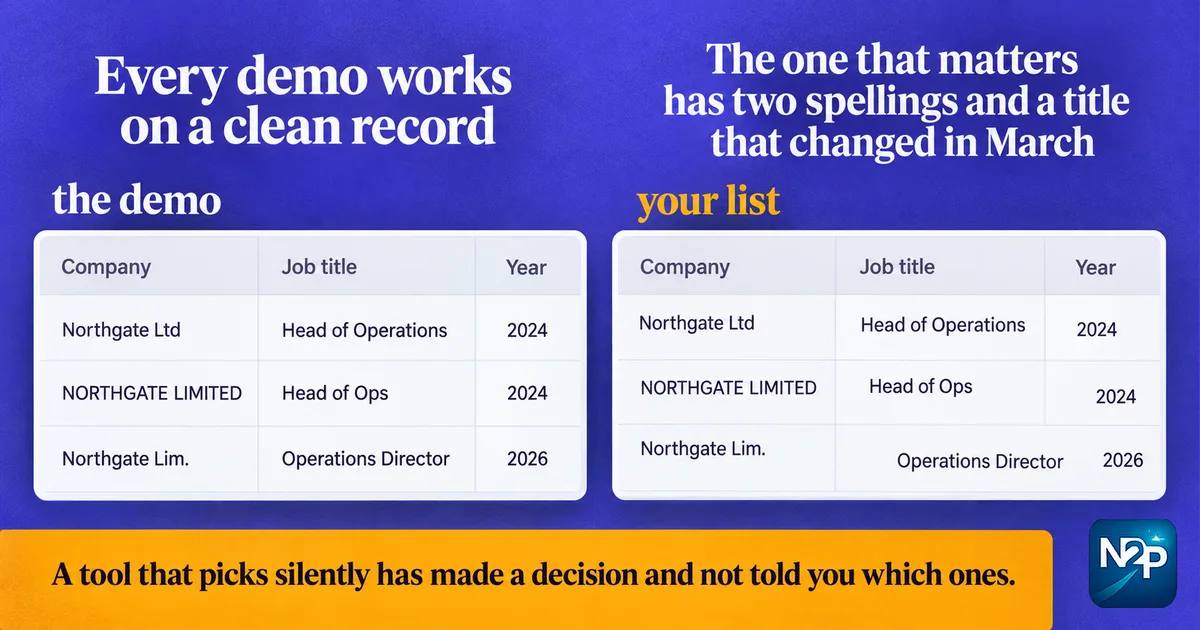
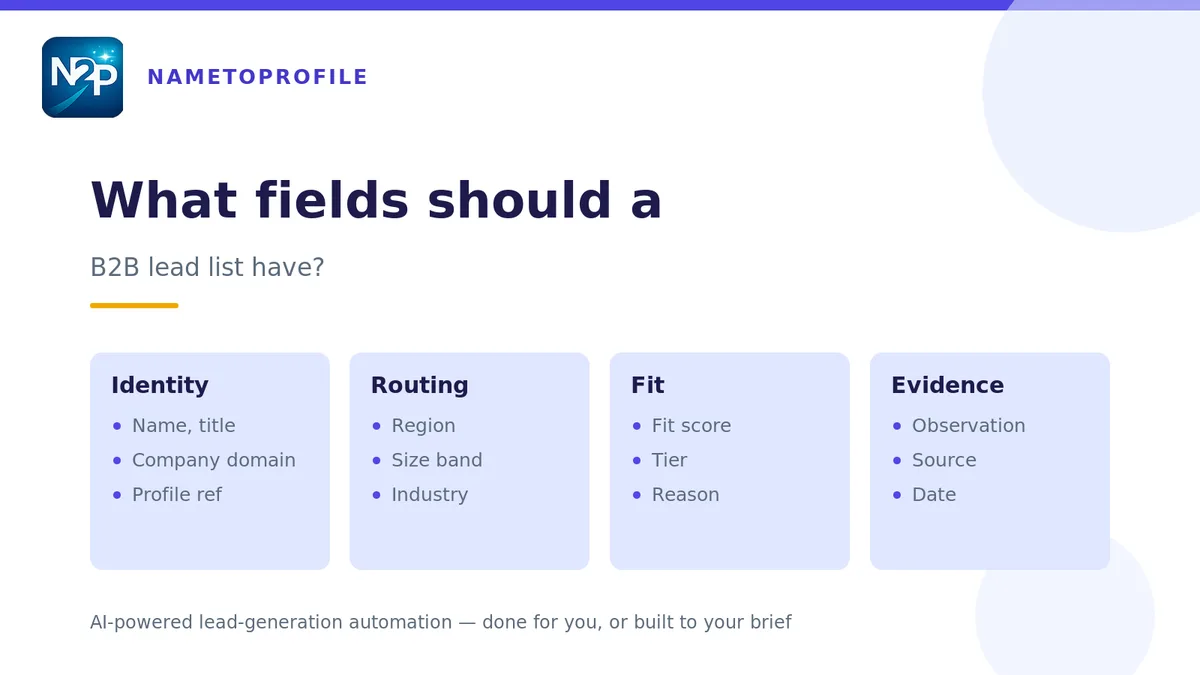
Raw profiles are inconsistent — different fields, different formats, half of what you need buried in free text. Before you can compare candidates, they need to speak one schema: name, current title, seniority, location, skills, and a link back to the source. A profile extractor built to your brief turns public profiles into structured, ICP-ready data, pulling exactly the fields your shortlist needs so you're comparing candidates on the same columns instead of eyeballing ten different layouts.
4. Score candidates for fit
Now put the brief to work. Instead of reading every profile top to bottom, score each candidate against the role so the strongest matches rise on their own. Fast and Deep scoring gives you two gears: a fast, deterministic score triages the whole list and flags obvious mismatches, while a deep second opinion adds a written rationale and a recommended action for the candidates worth a closer look. Every score is reviewable and yours to override — the workflow ranks, you decide.
5. Build the shortlist and hand it off
Sort by fit, drop the disqualified rows, and you're left with a ranked shortlist where the best-fit candidates sit at the top — each with structured data and a rationale a hiring manager can actually read. Because every record traces back to the same brief, the handoff is a clean document, not a pile of open tabs. The same one-brief discipline is how sourcing, outreach prep, and CRM updates stay consistent across a team instead of living in each person's head.
Do it yourself, or have the sourcing done for you
Running this workflow yourself keeps you in full control and costs only what you use — a strong fit for teams that source steadily and want to own the process. When a search is high-volume, urgent, or outside your usual domain, the same brief can drive a managed engagement instead: our recruiting and talent sourcing service takes your role brief and delivers a scored, structured candidate list sourced from public and licensed sources, charged only on what's delivered.
Either path runs on the same principle: define the role once, source broadly, structure consistently, and score before you shortlist. That's what turns candidate sourcing from an all-day tab marathon into a workflow you can trust.
Start with the brief
Everything here hinges on one clear definition of the role — the same way great prospecting hinges on a clear ICP. If you want the fundamentals of writing a definition that actually gets used, our guide to the ideal customer profile, with examples and a template, translates directly to a sourcing brief.
Want to score your first candidate list against a brief? Start free with 100 credits — no card, no subscription.