Every team has done it: a spreadsheet lands from an event, an export, or a list someone pulled together months ago, and it goes straight into the CRM because there's a quota to hit. Then the bounces start, two reps email the same person, and the pipeline reports stop adding up. A messy lead list doesn't just waste sends — it quietly poisons every downstream number that depends on the CRM being clean.
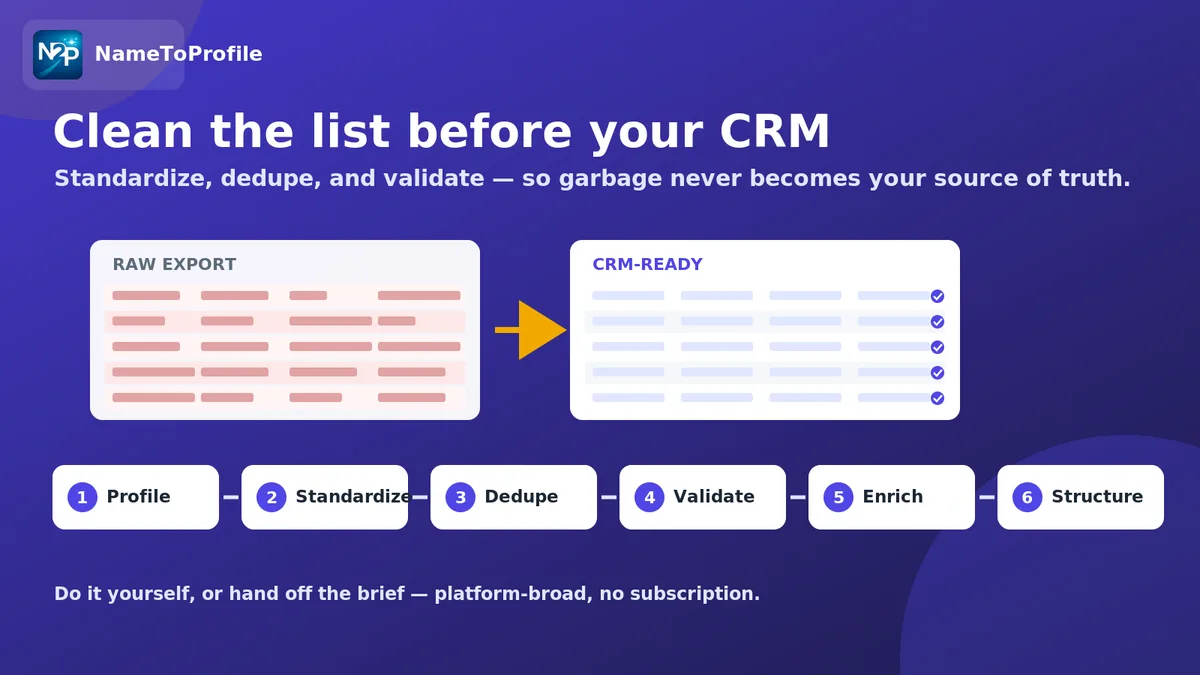
The fix isn't heroic. It's a short, repeatable cleaning pass you run before import, every time, so garbage never becomes the system of record. Here's that pass, step by step. It's platform-broad — the same routine works whether the raw list came from Apollo, ZoomInfo, Clay, a CSV export, or a public web source — and you can run it yourself or hand the brief to a managed lead-data-cleaning service that does it to spec.
Why cleaning belongs before the CRM, not after
Cleaning inside the CRM means you're editing live records that sequences, reports, and routing rules already touch. Cleaning before import means the CRM only ever ingests records that are already standardized, deduped, and validated. The second is far cheaper — one pass on a flat file versus untangling merged contacts and misfired sequences later.
Problem in a raw listWhat it breaks downstreamInconsistent formatting (case, titles, country)Segmentation and personalization tokensDuplicates across rowsDouble-touches; inflated pipeline countsInvalid or guessed emailsBounces; sender-reputation damageMissing firmographicsRouting, scoring, and territory logic
Step 1 — Profile the list before you touch it
Open the file and take inventory first. How many rows? Which columns are populated, and how consistently? What's the duplicate rate on the obvious keys (email, domain, name + company)? A five-minute profile tells you whether this is a light tidy or a heavy rebuild, and it stops you from "fixing" a column that was actually fine.
Step 2 — Standardize formats
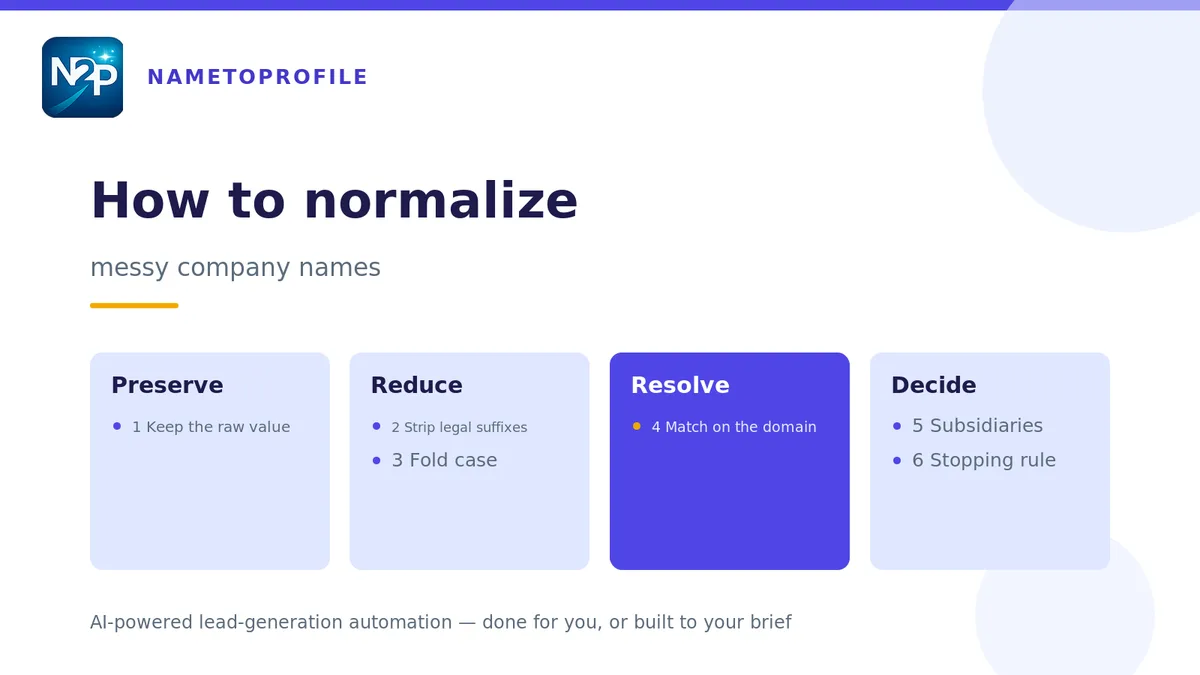
Normalize before you dedupe — otherwise near-identical records won't match. Get every column into one consistent shape: trim whitespace, standardize capitalization on names and titles, unify country and state values, and reduce company names to a canonical form (drop the "Inc.", "LLC", trailing punctuation). Split combined fields (full name into first/last) and make one column mean one thing.
Step 3 — Deduplicate on the right key
Now that formats are consistent, dedupe. Pick the key that reflects a true duplicate for your data — usually email for people and domain for companies, with name + company as a fallback when email is missing. Decide a survivorship rule up front: when two rows collide, which one wins and which fields you merge in from the loser. Keep a log of what you merged so a suspicious result is auditable.
Step 4 — Validate what you're about to trust
Standardized and deduped isn't the same as correct. Validate the fields you're going to act on — especially email deliverability and phone formatting — and mark anything you can't confirm rather than shipping it as fact. The goal is honest records: a "verified" flag should mean verified, and a "guessed" value should be labeled as one. The same discipline that makes captured contacts trustworthy applies here; it's the theme of our guide to finding verified emails and phone numbers on any page, where every value is scored by confidence rather than assumed.
Step 5 — Fill the gaps you actually need
Cleaning removes bad data; it can't invent missing data. Once the list is standardized and deduped, decide which empty fields are worth filling and which don't matter for this list. Appending firmographics, seniority, or a canonical company record is an enrichment step, not a cleaning one — reach for lead data enrichment when the gap is missing attributes, and profile-to-company mapping when you have people but need to connect them to the right firmographic record. Only enrich what a downstream rule genuinely uses; enriching everything is how you pay for fields nobody reads.
Step 6 — Structure for the CRM and import
Finish by shaping the file to match your CRM's schema exactly: the right column headers, required fields present, picklist values that match existing options, and a source tag so you can trace where each record came from. Import into a staging view if your CRM supports it, spot-check a sample, then commit. Keep the cleaned file as the artifact of record so the next refresh starts from a known-good baseline.
Do it yourself, or hand off the brief
The whole routine — profile, standardize, dedupe, validate, enrich, structure — is repeatable, which also makes it delegable. If cleaning a recurring pile of exports is eating hours your team should spend selling, that's exactly the kind of work to outsource: define the rules once and let a managed team normalize, dedupe, and standardize each batch to the same spec before it reaches your CRM. Teams that own CRM hygiene — usually RevOps — tend to standardize this as a gate: no list enters the system without passing the cleaning pass.
For the bigger picture on what enriched, structured records add once the list is clean, see what lead data enrichment actually fixes in B2B outreach workflows.
The short version
Profile first, standardize before you dedupe, dedupe on the right key with a survivorship rule, validate what you'll act on, enrich only the gaps that matter, and shape the file to your CRM schema before import. Run that pass every time and your CRM stays a source of truth instead of a source of surprises.
Ready to hand off the cleanup or run it yourself? Start free with 100 credits — no card, no subscription.