Every lead data source demos well. The sample is hand-picked, the coverage claim is a big round number, and the fields all look populated. Then the file arrives, and a third of it is unusable in ways the demo never showed.
The fix is a proper evaluation before money changes hands. Below is a seven-step vetting procedure you can run in an afternoon, on any source — a database vendor, a scraping partner, a managed service, or a process you're about to build in-house. Run all seven in order; each step feeds the next.
Step 1 — Ask where the data actually comes from
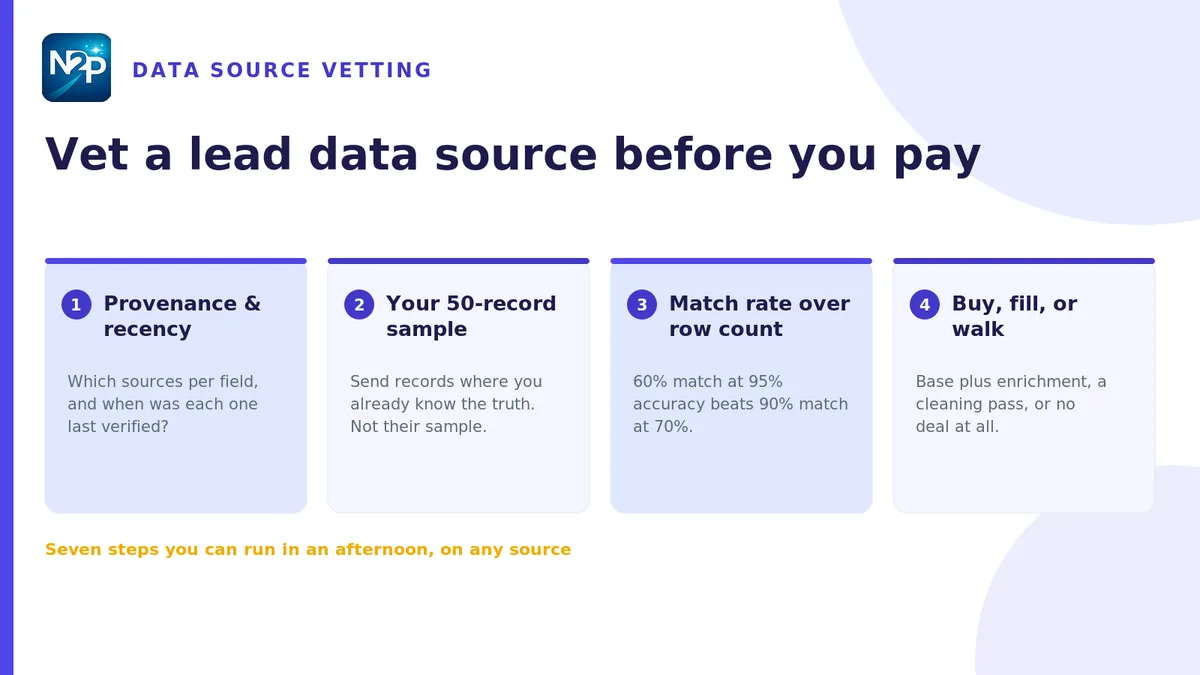
Open with provenance, because every other answer depends on it. Ask, plainly: which sources is each field derived from, and is that collection public, licensed, or user-contributed? A source that can answer field by field has a real pipeline. A source that answers with a marketing phrase about proprietary technology is telling you it can't.
Write down the answer per field group — company firmographics, person attributes, emails, phones — because the four rarely share a provenance and rarely share a quality level either. Any source you'd be uncomfortable describing to your own customers is a source you shouldn't buy from, regardless of price.
Step 2 — Pin down recency, field by field
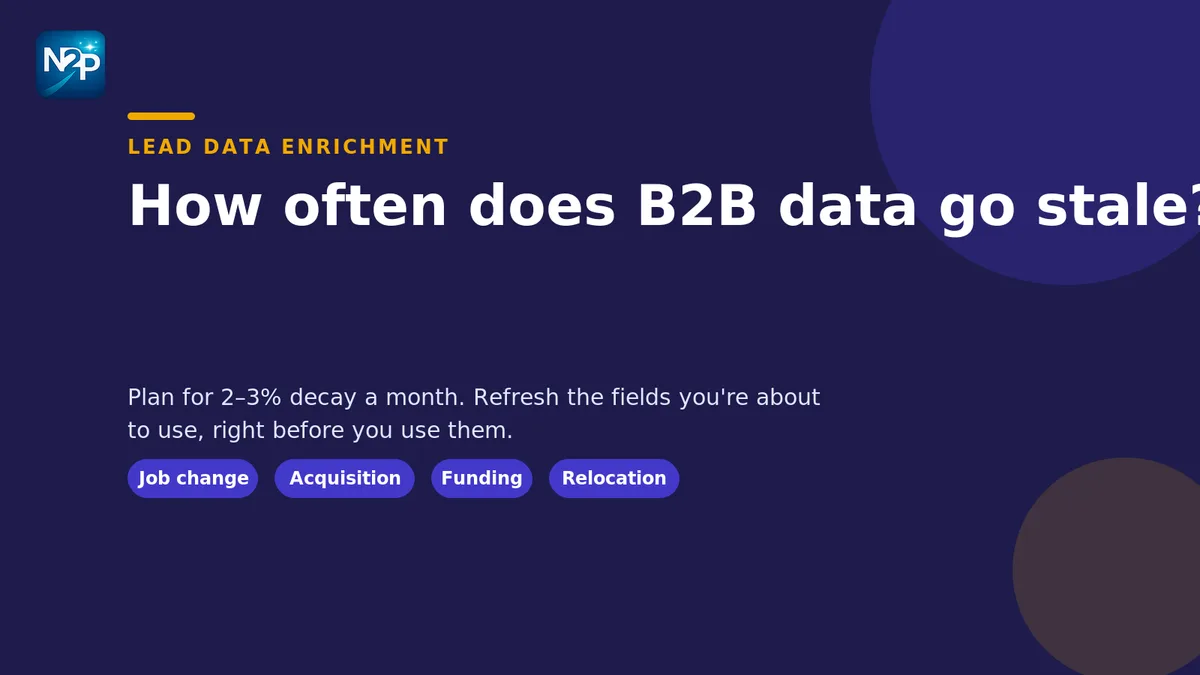
"Updated regularly" is not a recency claim. Ask for the last-verified date on each field and the refresh interval behind it. The fields age at wildly different speeds: a company's industry classification is stable for years, a person's job title is stable for months, a direct dial can die the day someone changes desks.
If the source can't give you a last-verified timestamp per record, assume the data is as old as the oldest thing in the file, and price it accordingly. Our breakdown of B2B data decay rates by field gives you realistic intervals to hold a vendor's answers against.
Step 3 — Run a 50-record sample against records you already know
This is the step people skip, and it's the one that decides everything. Don't accept the vendor's sample. Send your list: 50 accounts or contacts where you already know the ground truth — existing customers, closed-lost accounts, people your team has spoken to this year.
Now you can measure rather than trust. For each of the 50, mark whether the source returned a record at all, whether the key fields are correct, and whether anything is confidently wrong. Confidently wrong is the worst category and the one that never appears in a vendor deck.
Step 4 — Measure match rate, not row count
Coverage claims are stated as totals because totals are flattering. The number that predicts your experience is the match rate: of the records you asked for, what proportion came back complete and correct?
MetricWhat it tells youWhy it can misleadTotal database sizeAlmost nothing about your segmentCounts records you will never requestCoverage %Breadth across a whole marketUsually measured against the vendor's universe, not yoursMatch rate on your sampleWhat proportion of your real requests resolveOnly misleads if your sample isn't representative — so make it representativeAccuracy on known recordsHow often the returned data is actually trueRequires ground truth, which is why step 3 comes first
A source with a 60% match rate and 95% accuracy is usually a better buy than one with a 90% match rate and 70% accuracy, because you can top up gaps but you cannot detect silent errors at scale.
Step 5 — Check coverage field by field, not record by record
A record that exists is not a record that's usable. Take the sample from step 3 and count populated values per field, then ask which of those fields your workflow genuinely requires. Segmentation needs industry and size. Routing needs geography. Personalisation needs a role and something specific to say.
This is where you find out whether you're buying a complete record or a stub you'll be enriching later at your own cost. If the firmographic side is the gap, structured company data pulled from public sources — the kind a company extractor built to your field spec produces — can fill it on your terms rather than the vendor's. If it's the people side that's thin, the same applies to turning public profiles into structured, ICP-ready records. Either way, decide before you buy whether the gap is your job or theirs, and price it into the comparison.
Step 6 — Verify a contact slice yourself
Contact data deserves its own check, because it's the field most often sold as verified and least often true. Take 20 contacts from the sample and confirm them independently — company site, published team pages, anywhere the organisation states its own details.
You can do this pass yourself in the browser: pull the emails and phone numbers shown on a page, confidence-scored and paired, and compare them against what the vendor supplied. Extraction runs locally and is free; the optional AI verification step, which classifies only the uncertain candidates, costs 1 credit per batch of up to 25 and is off by default. Worth being clear-eyed about what this measures: it confirms that a contact is real and correctly attributed, not that a mailbox is deliverable.
Twenty checked contacts won't give you a statistically clean number. They will tell you very quickly whether "verified" meant anything.
Step 7 — Decide: self-serve, managed, or both
Now you have real numbers, so the buying decision is arithmetic rather than instinct. Three outcomes are common:
- Good match rate, thin fields. Buy the base and close the gaps — appending the missing firmographics and attributes to an existing list is cheaper than paying a premium for a source that bundles fields you'd have replaced anyway.
- Good fields, messy structure. The data is right but the file isn't CRM-shaped: inconsistent formats, duplicates on the wrong key, junk rows. That's a normalisation and deduplication pass — and if you'd rather run it in-house, the cleaning sequence to run before import is the same one either way.
- Poor on both. Walk. A source that fails steps 4 and 5 together will not improve at volume, and the cost of working around it compounds every month.
Before you commit, run the fit question too — a source can be accurate and still be selling you the wrong companies. Scoring the sample against your profile tells you that in minutes rather than a quarter, and the mechanics of turning firmographic fields into an account fit score are worth having in place before any file lands.
Why this matters more for RevOps than for anyone else
Reps feel bad data as friction. RevOps inherits it as a system-of-record problem: once a flawed source is wired into the CRM, every downstream number — territory coverage, segment performance, forecast — is quietly computed on top of it. Vetting at the door is far cheaper than unpicking it afterwards, which is the entire argument for spending an afternoon on these seven steps.
The checklist, condensed
- Provenance per field group — public, licensed, or contributed?
- Last-verified date and refresh interval, per field.
- 50 records of your ground truth, not their sample.
- Match rate and accuracy on that sample, not database totals.
- Field-level population against what your workflow actually needs.
- 20 contacts verified independently by you.
- Decide the split: buy the base, close the gaps, or walk.
Every step here keeps you in control of the judgment — the source proposes, your sample decides, and nothing is committed on your behalf. That's the point of vetting before you pay rather than auditing after you've imported.
Start free with 100 credits — no card, no subscription — and run the sample test on your next data source before you sign anything.